Publication records
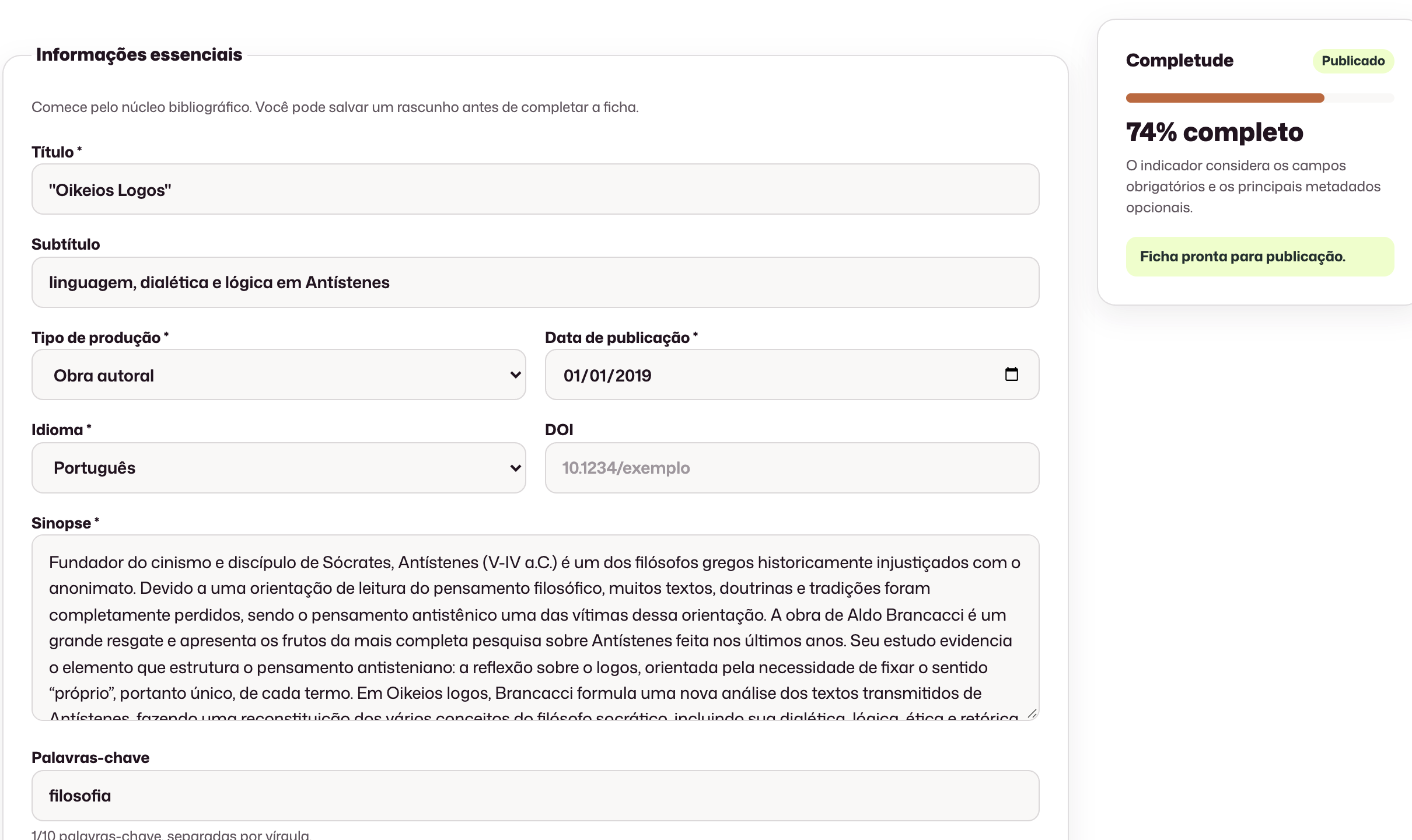
Title, subtitle, edition, language, cover, and status in one organized record.
Publishing catalog
Organize your press's books with the data, files, and relationships needed to present and manage the catalog.
Title, subtitle, edition, language, cover, and status in one organized record.
Authors, editors, affiliations, and other contributions linked to the title.
ISBN, EPUB, PDF, licenses, and distribution links associated with the title. DOI (informational book field).
Concrete results from working in this area.
Bibliographic information, contributors, rights, covers and formats linked to the title for the team to find and review.
Reviewed books separated into drafts and published titles, with the information used in their public presentation.
A report to review incoming books before confirming the save, using the catalog the publisher already has.
Open a feature to see its fields and available actions.
Bring the publisher’s existing books: download the template, review the import report and confirm records before saving. New titles start as drafts.
Record ownership, original work details, translation, subjects and participating institutions alongside the book record.
Authored works and collections, each title with its own record.
Fields used by the team and by public channels, without rewriting the record at every release.
Contributions linked to the work, with affiliation and clear roles for credit and the public catalog.
Covers, EPUB, PDF, and other materials stay attached to the record, not in loose folders.
Draft and published kept apart, with filters to find the title in the collection in seconds.
Reusable images with accessibility metadata for the site, blog, and campaigns.
Yes. The team downloads the spreadsheet template, imports the books, reviews the report and confirms before saving. New titles start as drafts; covers and files are added to the record.
Yes. Status separates work still in preparation from content that has already been published.
Covers and digital formats remain associated with the publication record.
Team permissions define who can view, create, or edit publications.
The demo is tailored to your team’s real process.
Request a demo