- Authored works and collections
- Authors and contributors
- Formats, covers, and ISBNs
- Publication status

Each module has its own purpose. Explore each area and combine features to suit your publishing operation. Integrations and scope are defined during setup.
Editorial production
See how the team tracks stages, checks deadlines and compares editorial production costs.
The map connects selection, contracting, production and publication stages. Colors and connections show progress and parallel paths. In Studio, each stage can be opened to view its details.

Real Studio screenshots in light mode. Test names and identifying information have been hidden. Amounts and dates are demonstration data.
Find each book by phase, current stage, assignee, deadline and expected release. Filters help locate delays and track the portfolio.
The submission form receives proposals. Reviewer and review management supports editorial evaluation within the workflow.
Consult stage tasks, checklists and attachments. The dossier gathers process information for consultation and export.
Compare planned and actual costs by stage, record expenses with receipts and track funding balances and deadlines.

News, newsletter, and messages in the same environment as the catalog.
View details about Content and relationships



Store and sales
Commerce organizes orders and inventory for the publisher’s sales channel. The store uses the Vitrine website; scope is defined during setup.
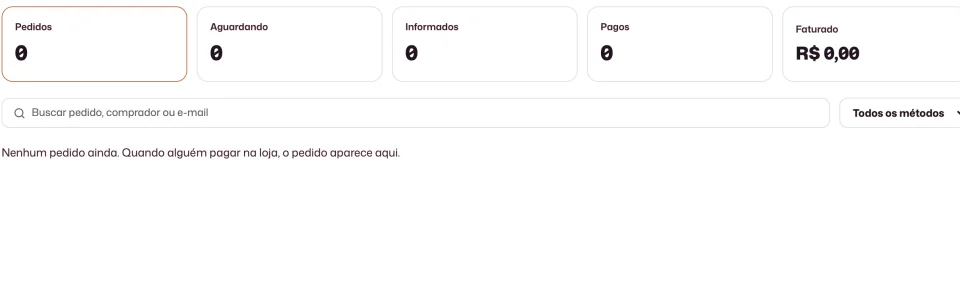
Consult orders, amounts and payment states. Payment method configuration depends on the options available and enabled for the publisher.
Set quantities for physical products and choose limited or unlimited inventory for digital products to suit the publisher’s own channel.
Orders, payment and inventory belong to the commercial area, separate from editorial production stages and costs.