Content and relationships
News, campaigns, and messages connected to your publishing house.
Manage the content that showcases the catalog and sustains reader engagement in the same environment as the website.
How the team uses it
Blog and news
Posts with categories, tags, columnists, revisions, errata, and scheduling.
Newsletter
Subscribers, campaigns, drafts, tests, and scheduled delivery.
Messages and media
Inquiries received through the website and files reused by the team.
What your team gets
Concrete results from working in this area.
News ready to publish
Articles with images, authorship, categories and a publication date to keep readers informed about the publisher.
Prepared and tested campaigns
Newsletter content with drafting, testing and scheduled sending to the list managed by the team.
Organized reader communication
Subscribers, subscription states and incoming messages in work areas accessible to authorized people.
From preparation to use.
- 01Prepare content
- 02Review and categorize
- 03Schedule or publish
- 04Connect to the catalog
Content and relationship capabilities.
Explore news publishing, reader communication and campaign tools available in the publisher’s modules.
Podcast programs and episodes
Podcast programs and episodes
Organize programs and episodes with descriptions, audio, publication dates and transcripts to offer more ways to present the publisher’s content.
- Programs
- Episodes
- Audio
- Transcript
Rich-text editor
Rich-text editor
Prepare news with text, images and other content elements.
- Text and images
- Tables
- Quotations
- Embeds
Editorial organization
Editorial organization
Structures what you publish with taxonomy, authorship, and review, useful for the archive and the public site.
- Categories
- Tags
- Columnists
- Revisions and errata
Scheduling
Scheduling
Posts and campaigns enter the queue with a set date, instead of relying on someone to “remember to publish”.
- Scheduled posts
- Scheduled campaigns
Sender identity
Sender identity
Configure the publisher’s sender name and address and track domain verification. Using a custom address requires validation of sending records.
- Sender name
- Sending address
- Domain verification
Subscriber list
Subscriber list
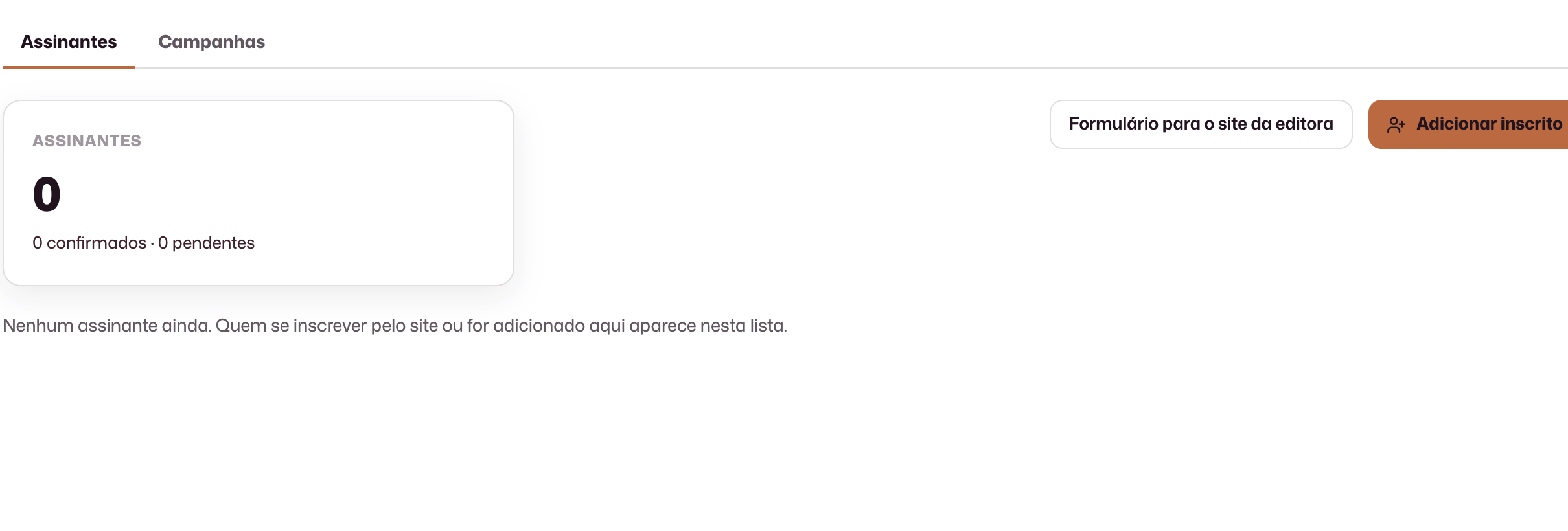
A list managed in the platform, with confirmation and unsubscribe aligned to the publisher’s operation.
- Confirmed
- Pending
- Unsubscribe in one click
Newsletter campaigns
Newsletter campaigns
From draft to send: compose, test, and deliver to the list without exporting contacts to another tool.
- Composition
- Test send
- Draft
- Send
Website messages
Website messages
Public form requests reach the team in Studio, not lost in personal inboxes.
- Publisher inbox
- Contact history
What to consider in this area
- Blog, news and website messages belong to Vitrine. Subscribers and campaigns belong to Marketing.
- Your publisher’s newsletter has its own list and content.
- Papo da Semana is Papaya’s publication about the book industry. Subscribing is optional and separate from purchasing the product.
Operational questions.
Is the blog part of the publishing house’s website?
Yes. News and public pages are generated together with the publishing website.
Can a publication be scheduled?
Posts and campaigns include scheduling tools.
Can I send a newsletter test?
Campaign composition includes a test before sending to the list.
Can images be reused?
The media library centralizes files and their metadata for reuse.
See this area with your publishing house’s data and workflow.
The demo is tailored to your team’s real process.
Request a demo