Digital publications
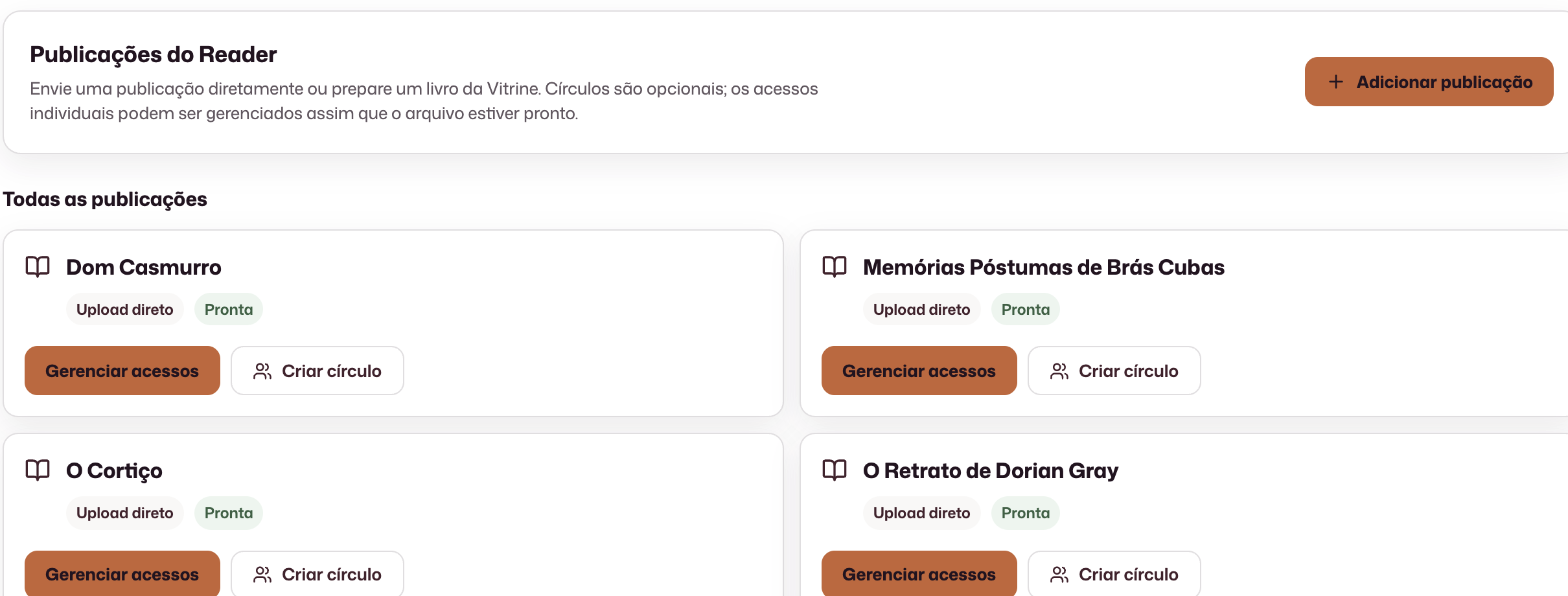
Upload the file and track processing until the publication is ready.
Digital reading
Make digital publications available to selected people and groups, and track how access is circulating.
Upload the file and track processing until the publication is ready.
Groups linked to a publication, with invitations and participant roles.
Issuances, revocations, readers, devices, opens, and sessions.
Concrete results from working in this area.
A processed file ready for the publisher to manage who can read it, without relying on emailing copies.
Access granted to individuals or circles, with status tracking and the ability to revoke access.
Access and reading indicators, filters and CSV export for the institution to analyze circulation outside Studio.
Controlled distribution and circulation evidence, for a class, research group, or imprint, not just “send the file”.
Upload the publication and track processing until it is ready. Where available, catalog integration provides another preparation path.
Who gets in, who stays, and who leaves: active, revoked, or expired access under the publisher’s control.
Groups linked to a specific publication, with invitations and participation roles.
Participants and devices tracked alongside the protected publication.
Opens, sessions, and progress gathered so the team can follow real use.
Circulation data available for analysis outside Studio when the institution needs it.
No. Individual access can be managed directly. Circles organize reading when the publisher wants to work with groups.
Each circle is linked to one publication and has its own participants.
Access status includes revocations and can be monitored by the team.
The platform brings together readers, devices, opens, sessions, issuances, and other circulation metrics.
The demo is tailored to your team’s real process.
Request a demo