Block-based content
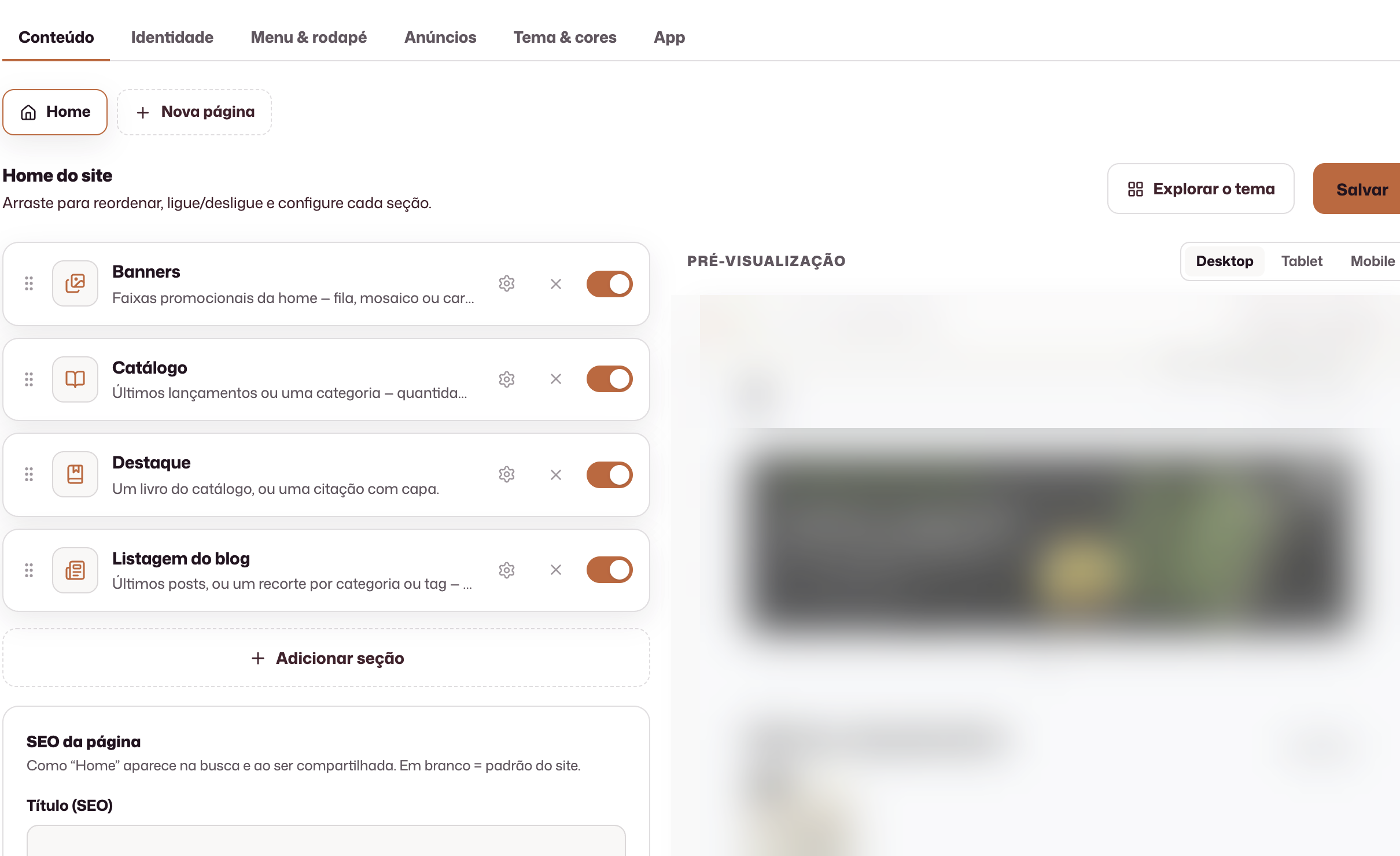
Hero, catalog, about, highlights, news, newsletter, contact, and CTA.
Publishing website
Build block-based pages, apply your publishing house’s identity, review across devices, and publish without running a separate technical project.
Hero, catalog, about, highlights, news, newsletter, contact, and CTA.
Colors, theme, menu, and footer configured in the panel.
Review on desktop, tablet, and mobile before generating the public version.
Concrete results from working in this area.
Pages, colors, menu, footer and domain configured for the publisher to present its work to readers.
Desktop, tablet and phone previews to check content and organization before publication.
Titles, descriptions and sharing images prepared alongside each page’s content.
From identity to published HTML: the team builds, reviews, and goes live without a separate technical project.
Each page is made of reorderable blocks: hero, catalog, news, newsletter, contact, and CTA.
Colors, theme, menu, and footer live in the publisher settings, not in scattered files.
A check on desktop, tablet, and phone before generating the public version.
Prepare a title, description and sharing image for each page. The team can also mark a page to be excluded from search engines.
The public experience at the institution address, with status and a history of generated versions.
Create pages beyond the home page, organize the menu and publish a reviewed version of the website. History tracks generated versions.
No. Pages, blocks, identity, and navigation are managed through the interface.
The preview lets you switch between desktop, tablet, and mobile.
The platform includes domain management for the publishing house’s public experience.
The publishing area records the website’s status and generated versions.
The demo is tailored to your team’s real process.
Request a demo